
 Google Scholar
Mo columns is mo better
Developing on the Apple ][+ has been very painful. To alleviate some of that, I decided to get myself an 80-column card.
I have a strong recollection of having an 80-column card while in high school (I’m not sure how I could have used the machine otherwise), which was confirmed by one of my best friends, but for some reason there wasn’t one in the ol’ machine. (I still had my dot-matrix printer with the serial card but recently got rid of both. Not having a serial card is unfortunate. More on that later…) The good news is that for $80 plus tax and shipping (the kind gentleman threw in an extra cable and a couple jacks in case the old ones were too corroded) I was able to grab a Viewmaster 80-column card off eBay. This is most likely not the one I had in high school but that’s fine. I’m getting used to the disappointment of not finding old stuff.
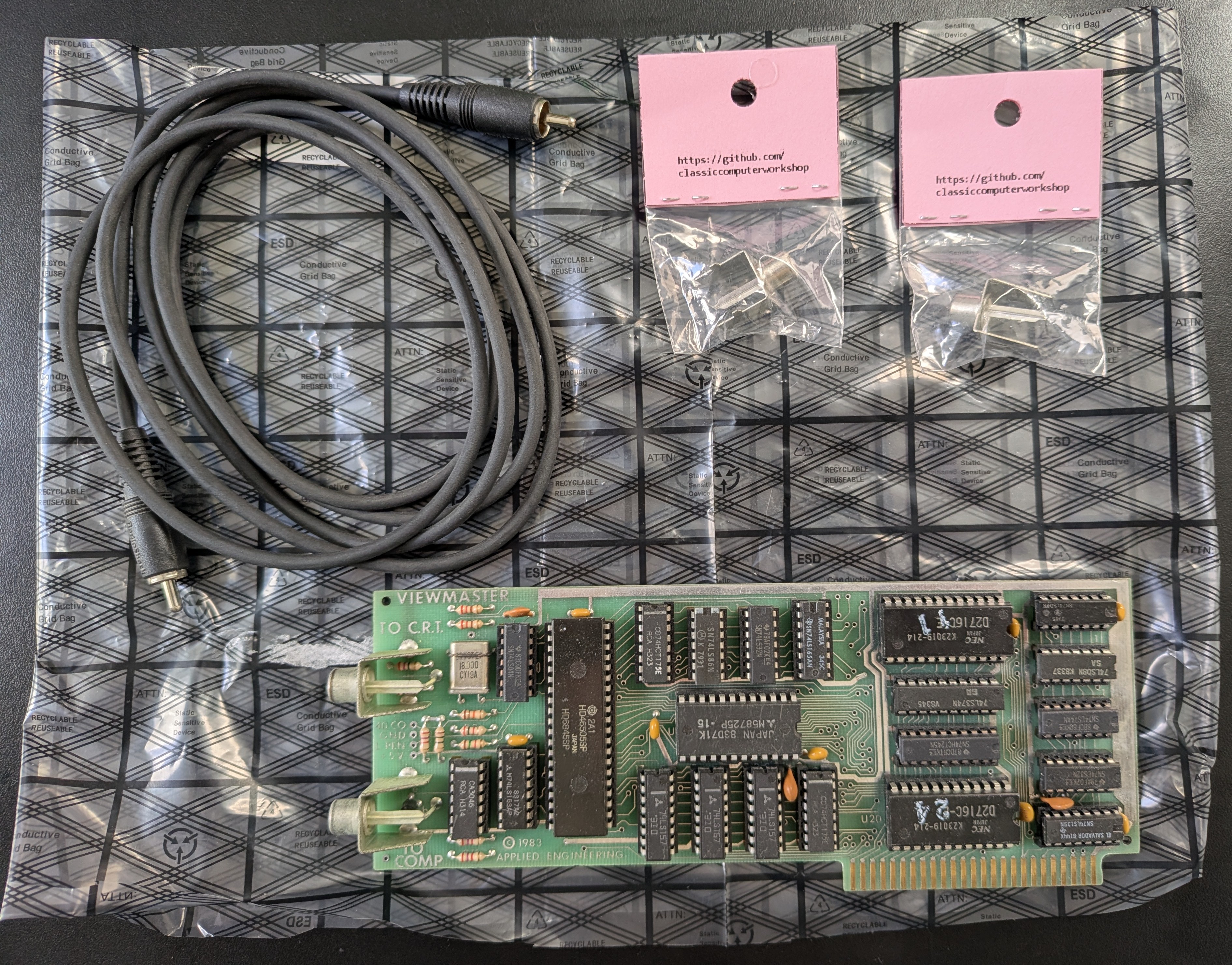
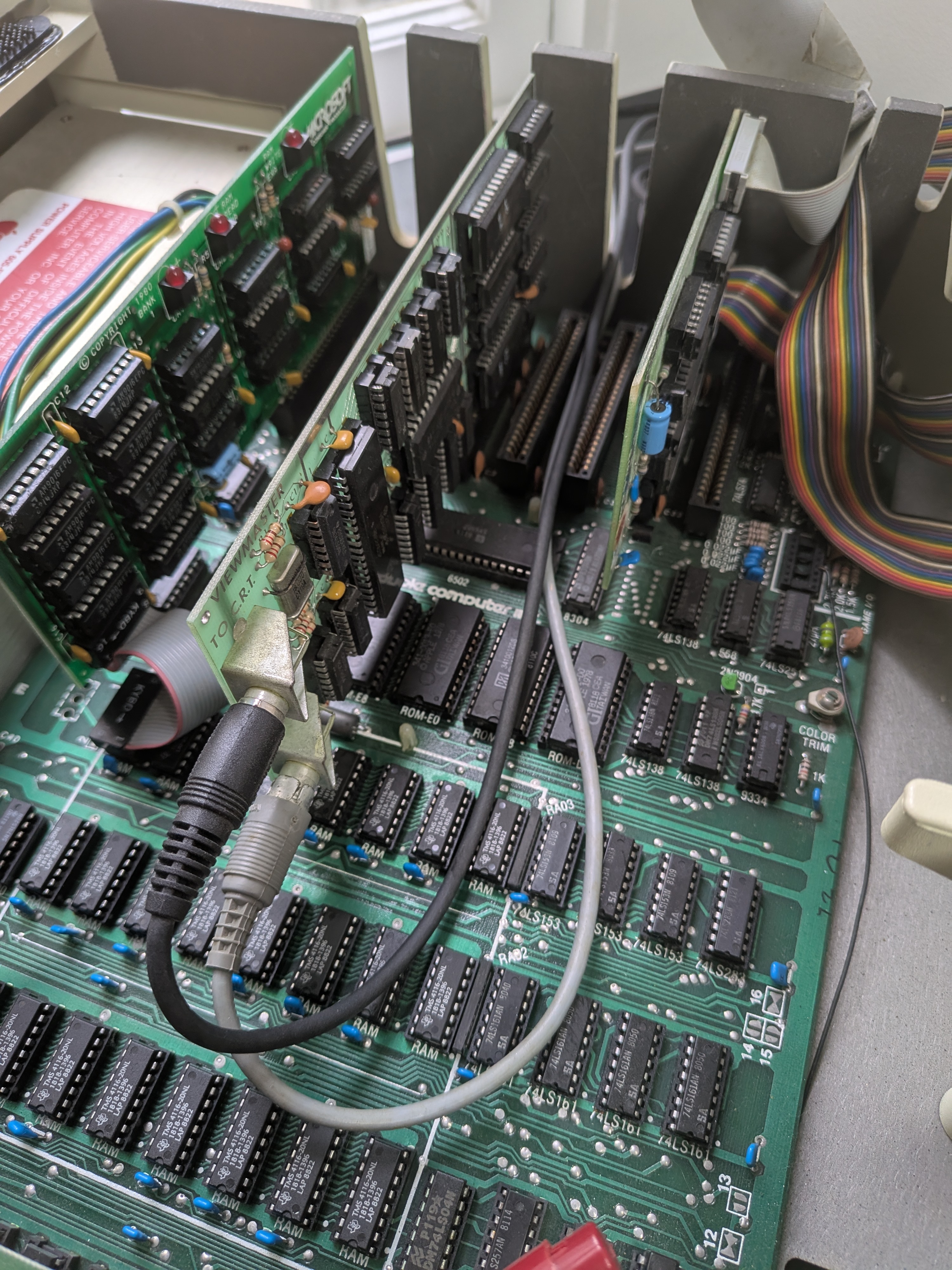
I plugged it in and, naturally, everything did not go smoothly. First, the connection was a bit strange. The Apple ][+ was designed in 1979, long before 80-column text displays, so its motherboard is hardwired to output only a standard 40-column composite (with graphics) video signal from the RCA jack. When Applied Engineering built an 80-column card, they had to engineer around the fact the expansion slots could not send video data back to the motherboard’s video jack. Thus, I had to run the monitor OUT from the back of the machine into the box to connect with the TO COMP jack on the card. The second cable then goes from the TO CRT jack on the card out the back of the machine and into the monitor. Weird.
Anyway, it works! Mostly. PR#3 (the card is plugged into slot #3) turns on 80-column mode. Unfortunately, PR#0 hangs the machine, so I have to CTRL-RESET. I don’t remember anything like this from back in the day, but according to Gemini:
The reason
PR#0hangs your Apple ][+ is a known issue with DOS 3.3 / ProDOS and certain 80-column cards. When DOS intercepts thePR#0command it accidentally misdirects the computer’s input/output vectors into an empty memory loop instead of cleanly passing control back to the motherboard.
Additionally, to get the screen to stop rolling I had to fiddle with the V.HOLD (vertical hold) and V.SIZE (vertical size) on the back of the monitor. Unfortunately, when switching back to 40 columns the screen starts rolling again. Finding settings that work for both 40 and 80 columns means giving up some vertical real estate on the screen. It’s not a huge deal but since the analog signals are different, I had to find a compromise where the monitor’s tubes successfully sync to both frequencies without the screen rolling or tearing.
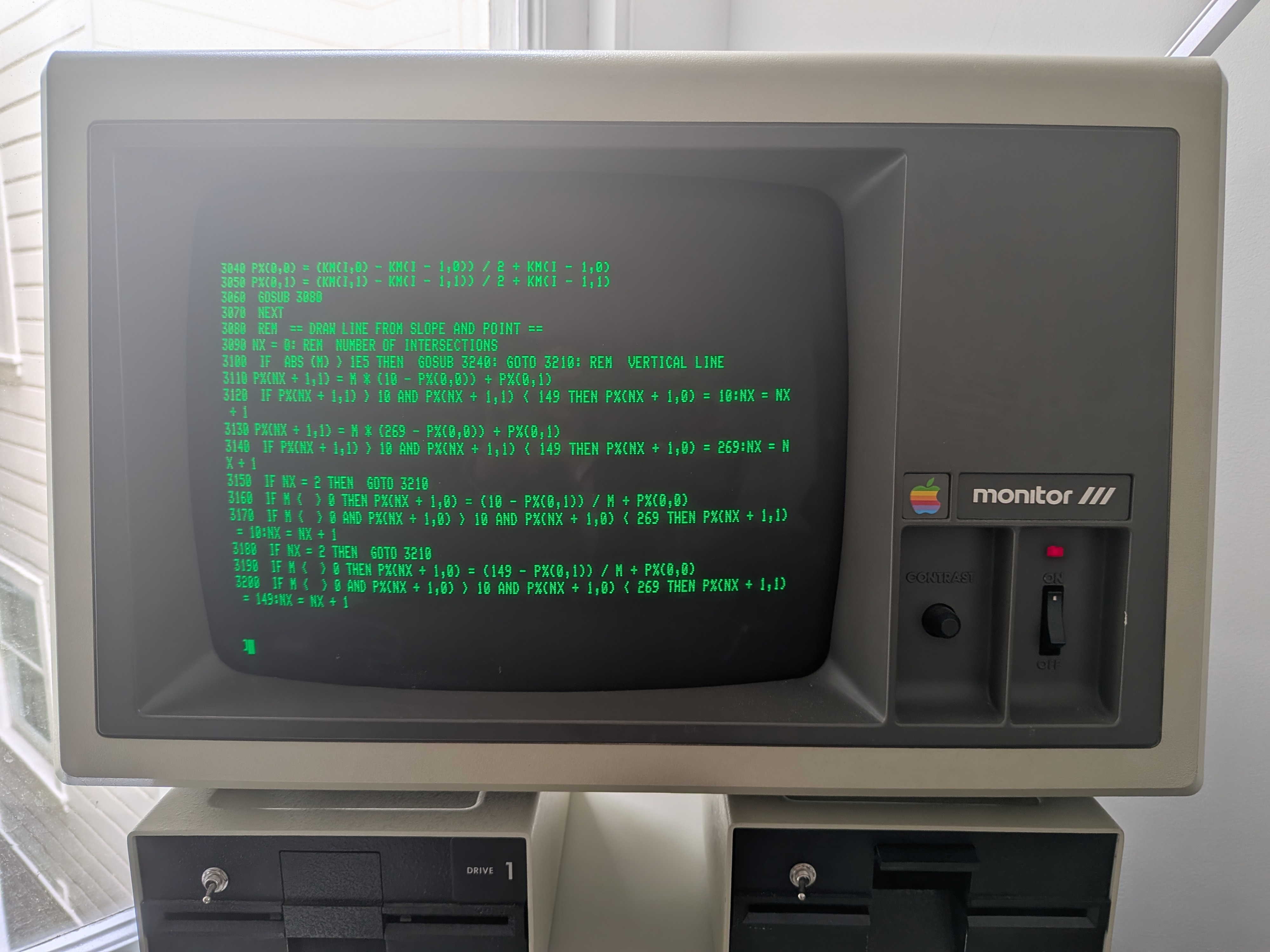
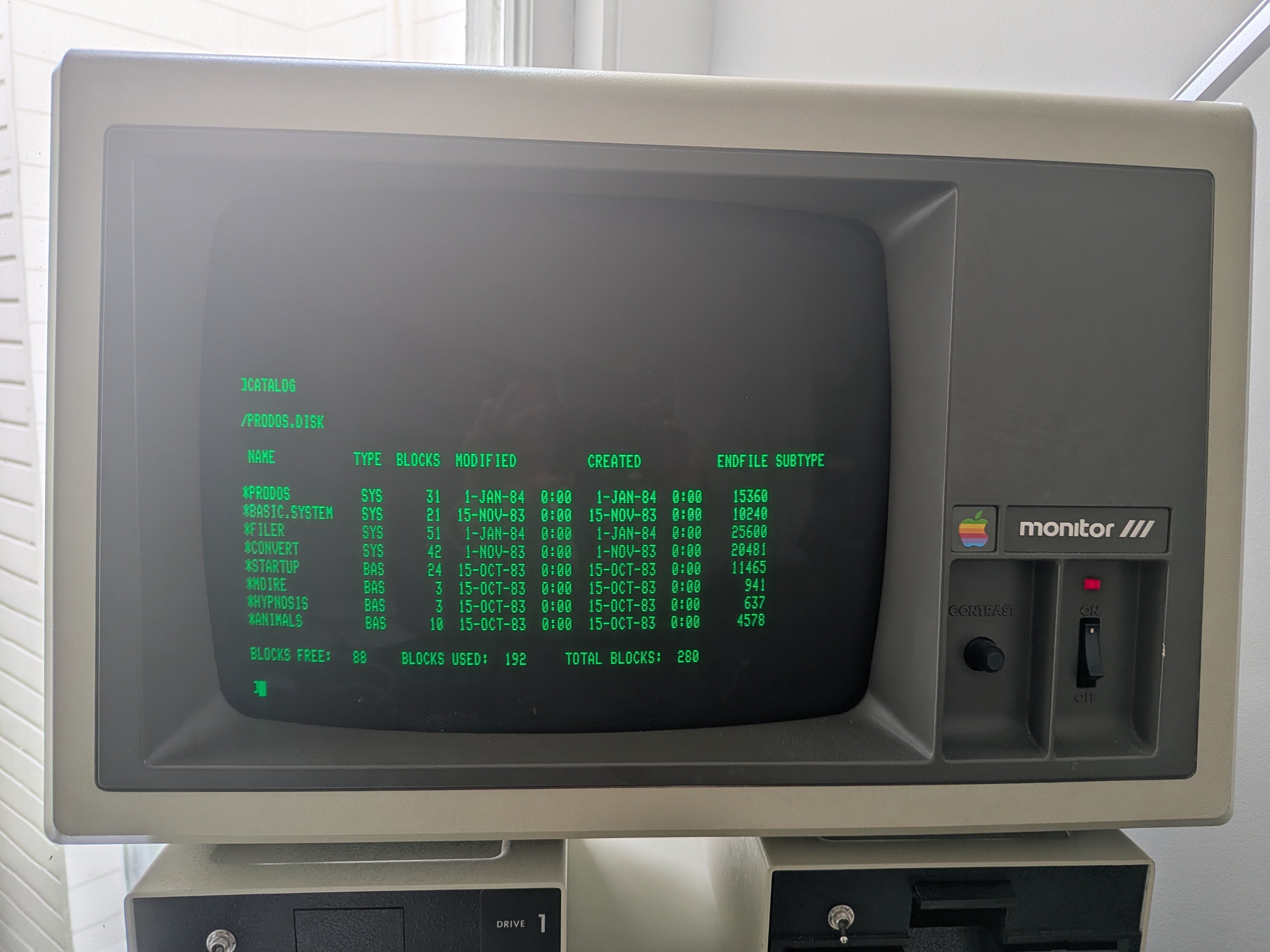
Also, apparently, I’m unable to have my program use graphics while having 4 rows of 80 columns of text at the bottom of the screen. That would have been cool, but while turning on HGR causes the Apple ][+ to switch its internal video mode to graphics, the Viewmaster card does not know this happened because, as noted, its hardware disconnects the Apple ][+ motherboard’s built-in video signal and generates its own independent 80-column text signal. The solution is, apparently, to turn off 80-column mode when running the program. Bummer. (This problem was fixed in a later model of the Apple, so Gemini suggested that I ‘upgrade’ to an Apple //e. That was funny.)
So, at the end of the day, I could code in 80-column mode and then switch to 40-column mode when running the program. That being said, this is still a real pain. I can’t believe I spent a zillion hours doing this in high school. Fortunately, there’s a better way that keeps me out of the Apple ][+’s text editor entirely…
Leave a Comment