
 Google Scholar
ADTPro to the rescue
As mentioned previously, developing on the Apple ][+ has been very painful. While the 80-column card is nifty, and helps a bit, it’s still a slog. The keyboard is old and not particularly ergonomic, the monitor is still small, there isn’t an easy way to LIST specific sections of the code and characterizing the editing features as “clunky” would be charitable. What I’d like to do is use my modern Windows laptop to develop the code, and I’m not even talking about generative AI, but the problem is… how do I then get this onto the Apple ][+. (Of course I could just use an emulator but how is that fun?)
From the Apple ][+ to the laptop
I’ve already been suffering in the other direction. To transfer the code I developed on the Apple ][+ to my laptop, so that you can witness all its glory on this blog, I’ve resorted to taking screen shot with my phone and then using ChatGPT and Claude to extract the code using OCR, which I then stitch together. Not only is that cumbersome, it’s error-prone. After sharing my k-means write-up on Hacker News, a very helpful gentleman tried to run my code and found a bunch of errors, which he shared with me on GitHub. Turns out, the OCR was far from perfect.
From the laptop to the Apple ][+
More importantly, however, when I asked him how he was able to get my code off this blog and onto his Apple //e computer, he turned me on to ADTPro (Apple Disk Transfer ProDOS). It is software that transfers floppy images over the cassette jacks between a modern computer and Apple ][-era computers. Ingenious.
To get this going, I first installed ADTPro on my laptop. Then I had to get the client version running on the Apple ][+. This is where things got interesting…
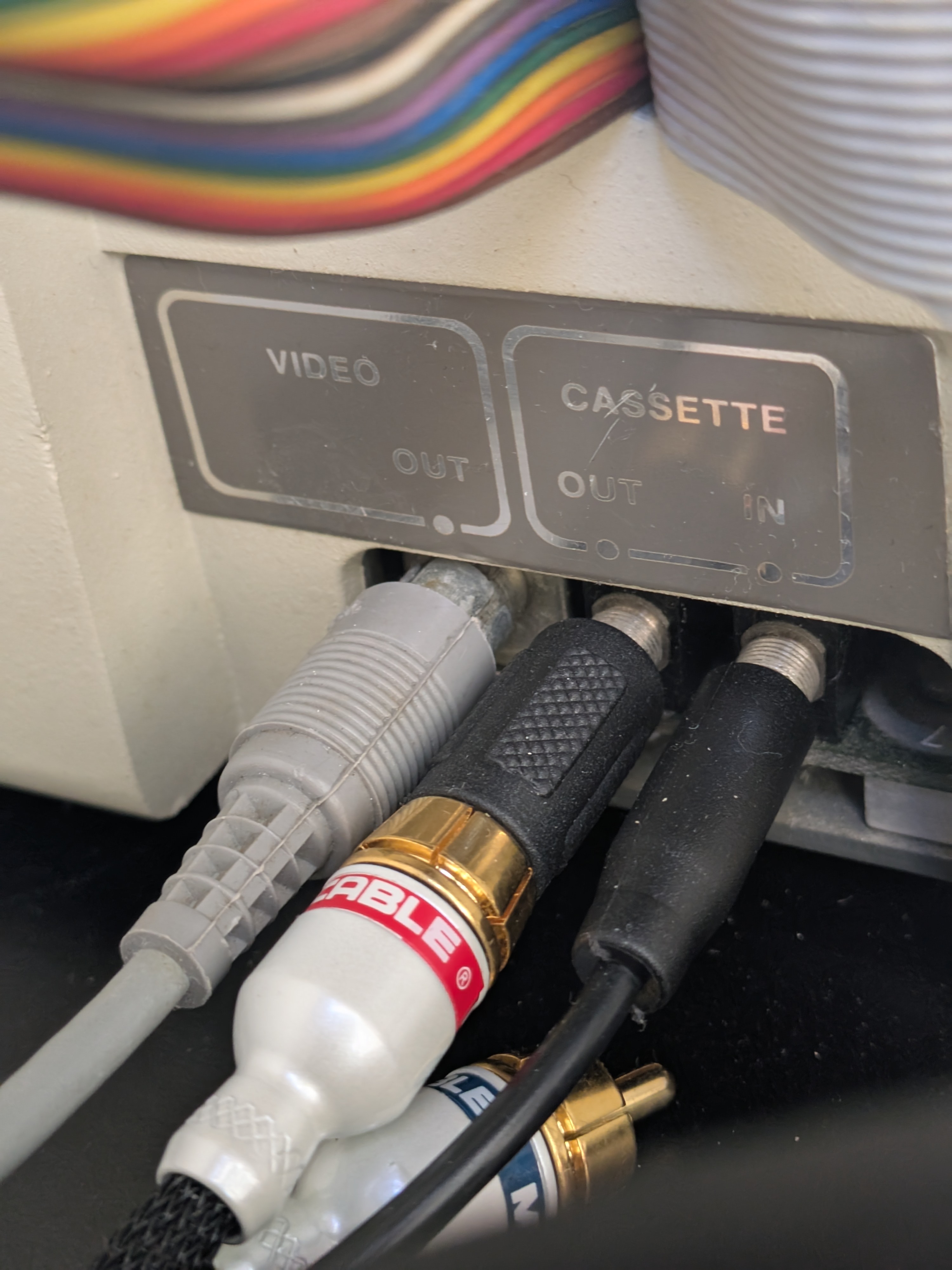
The first problem was just getting ADTPro onto the Apple ][+ in the first place. ADTPro can bootstrap itself over the Apple’s cassette input, which sounds ridiculous until you remember that this is exactly how early Apple ][ software was loaded. (I became obsessed with the Apple ][ at a computer summer camp after the 6th grade. My first programs were stored on cassette tapes.) My modern laptop, however, does not exactly have “cassette out.” It has a single headphone jack, fortunately, and I had a random 3.5mm-to-RCA cable in my box of random cables. Somehow, that was enough.
This doesn’t sound right
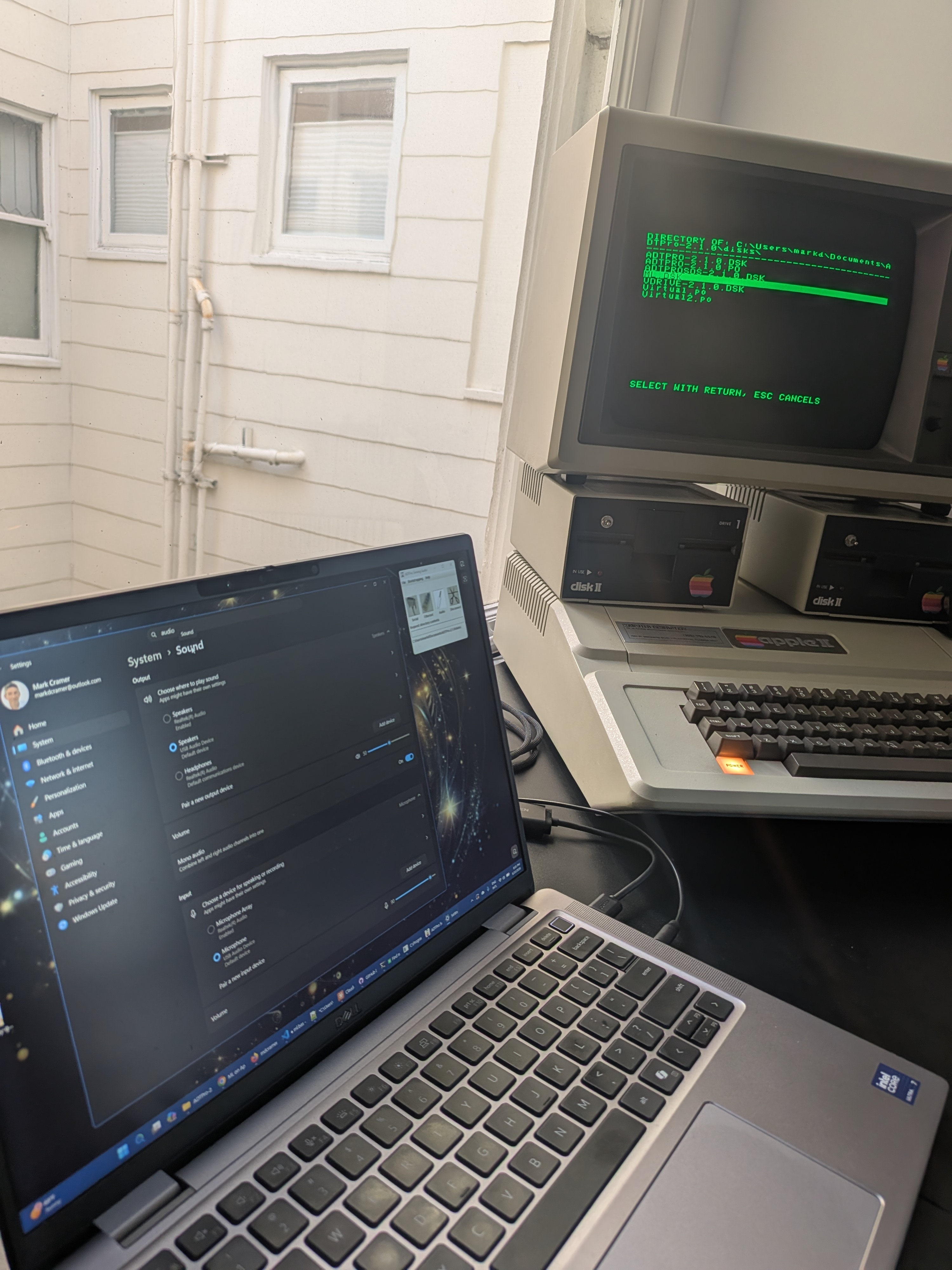
After a fair amount of fiddling, I was able to send the ADTPro client from the laptop, over the audio cable, to the Apple ][+. The magic settings were not obvious. I had to turn off Windows audio enhancements, set the input volume to 90%, set the output volume to 50% and then turn on mono audio so that the signal showed up on whichever RCA plug I happened to be using. Once I got it right, the Apple listened to the laptop squeal at it for a bit and then, like magic, ADTPro was running.
![ADTPro client on the Apple ][+](/assets/images/apple2/adtpro-client.jpg "ADTPro client on the Apple ][+")
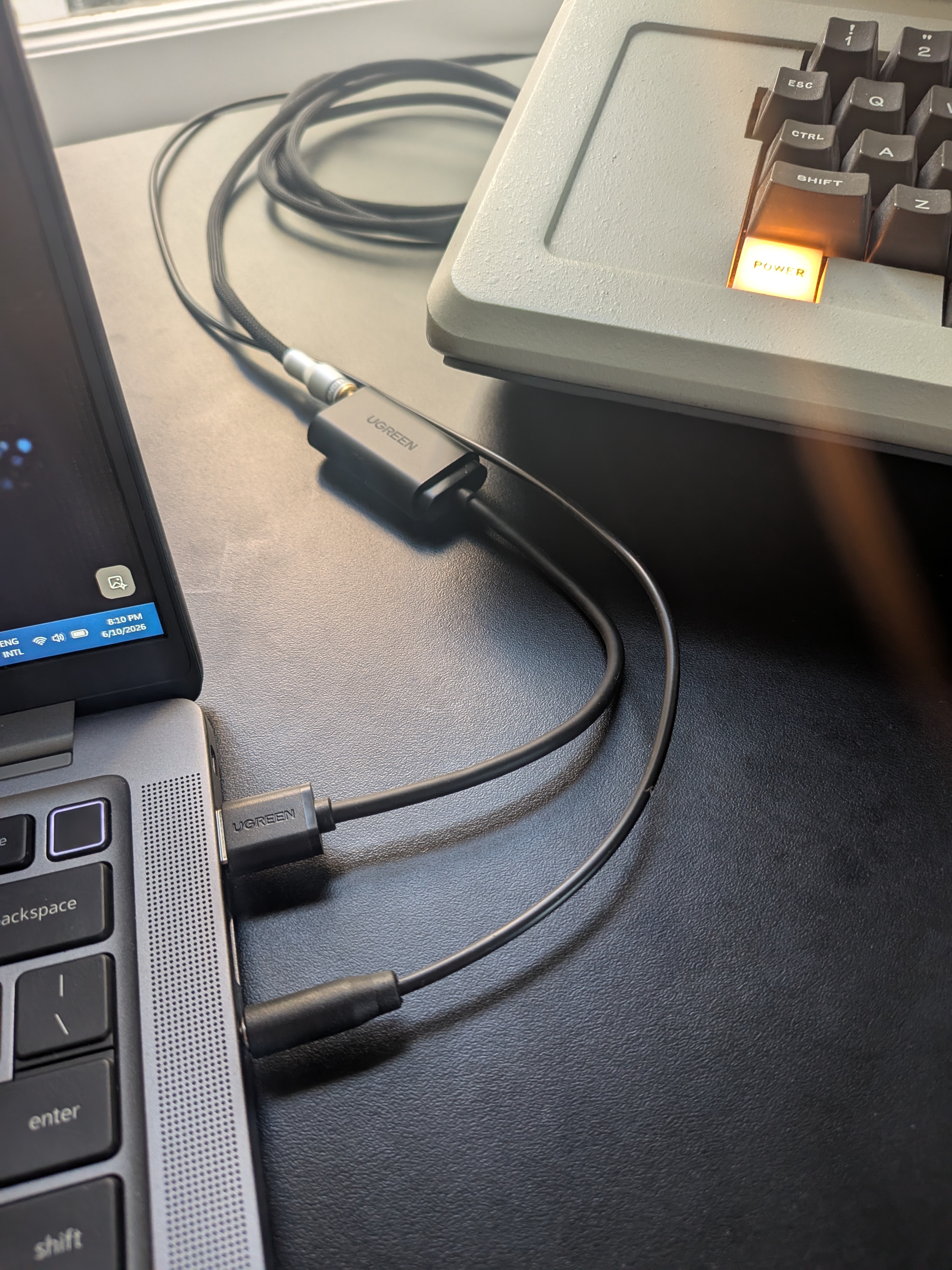
That only solved the first half of the problem, however. Bootstrapping the client is one-way communication, from the laptop to the Apple. To transfer disk images, ADTPro needs two-way audio in order to also request blocks from the server. That meant connecting both cassette jacks: ‘cassette in’ from the laptop’s audio output and ‘cassette out’ back to a microphone input on the PC. To accommodate this, I bought a USB audio adapter with separate headphone and microphone jacks, plus a couple of 3.5mm cables. The working setup was eventually:
Laptop headphone output → Apple cassette in Apple cassette out → USB audio adapter microphone input
Music to my computer’s ears
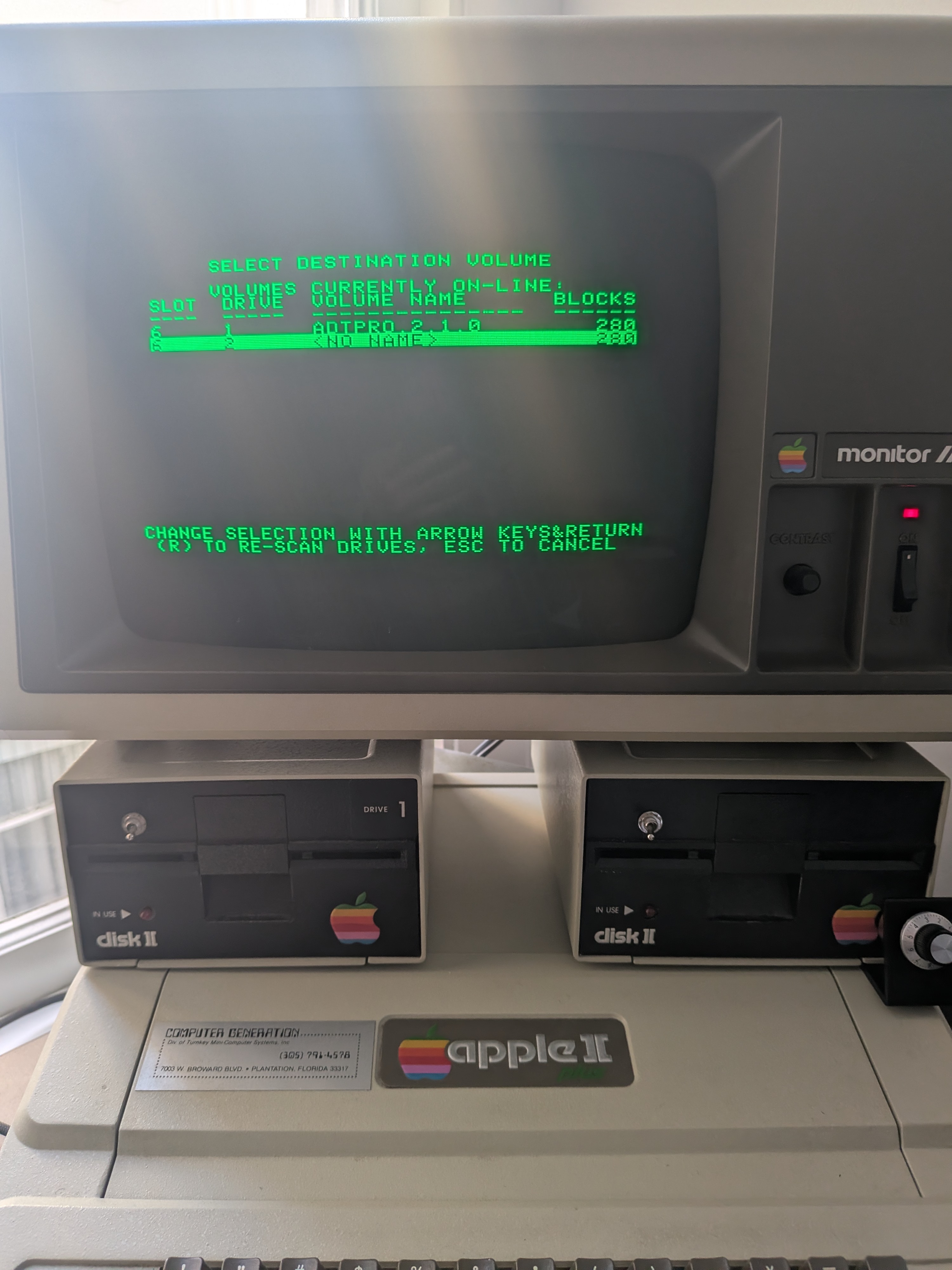
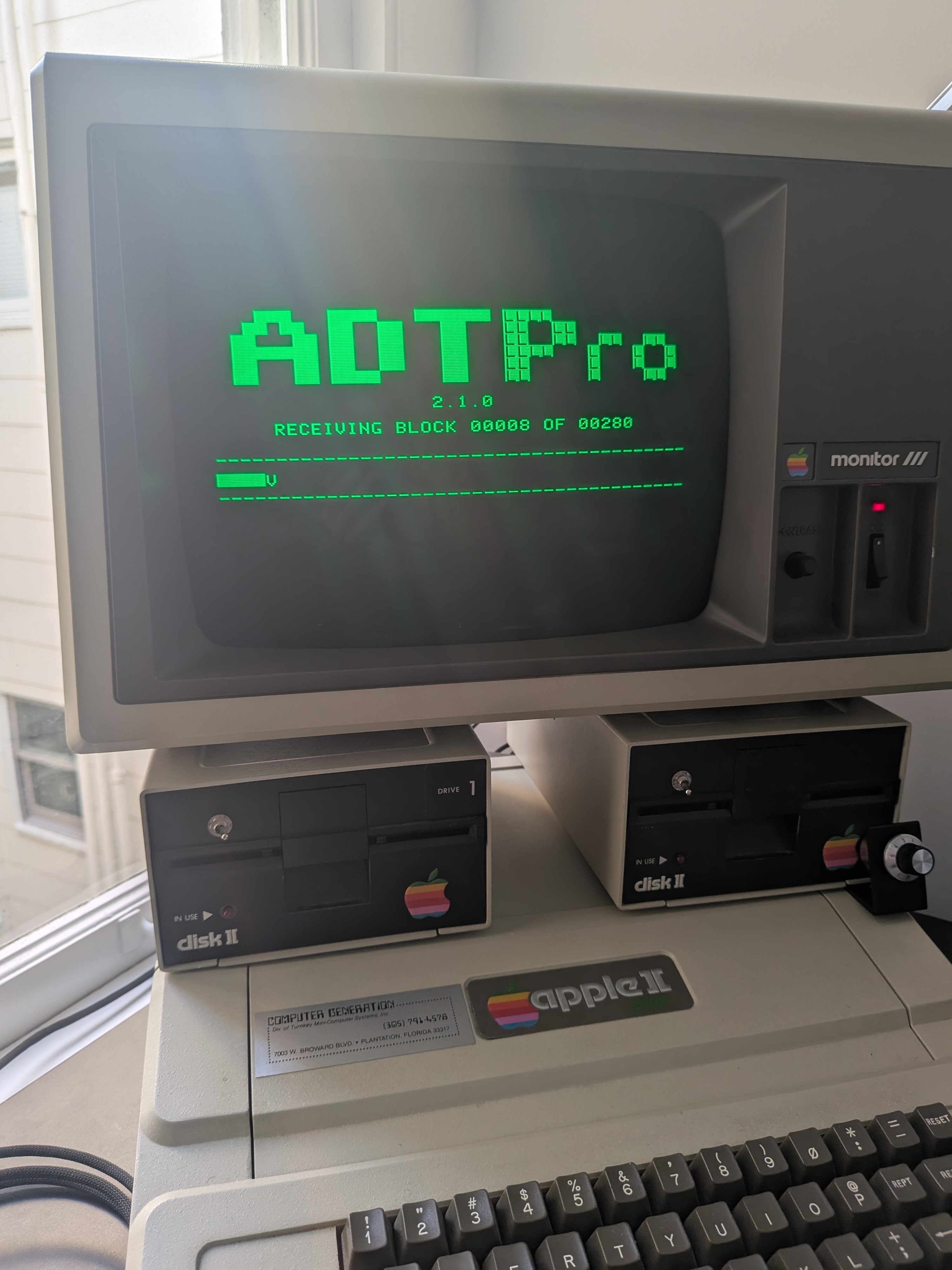
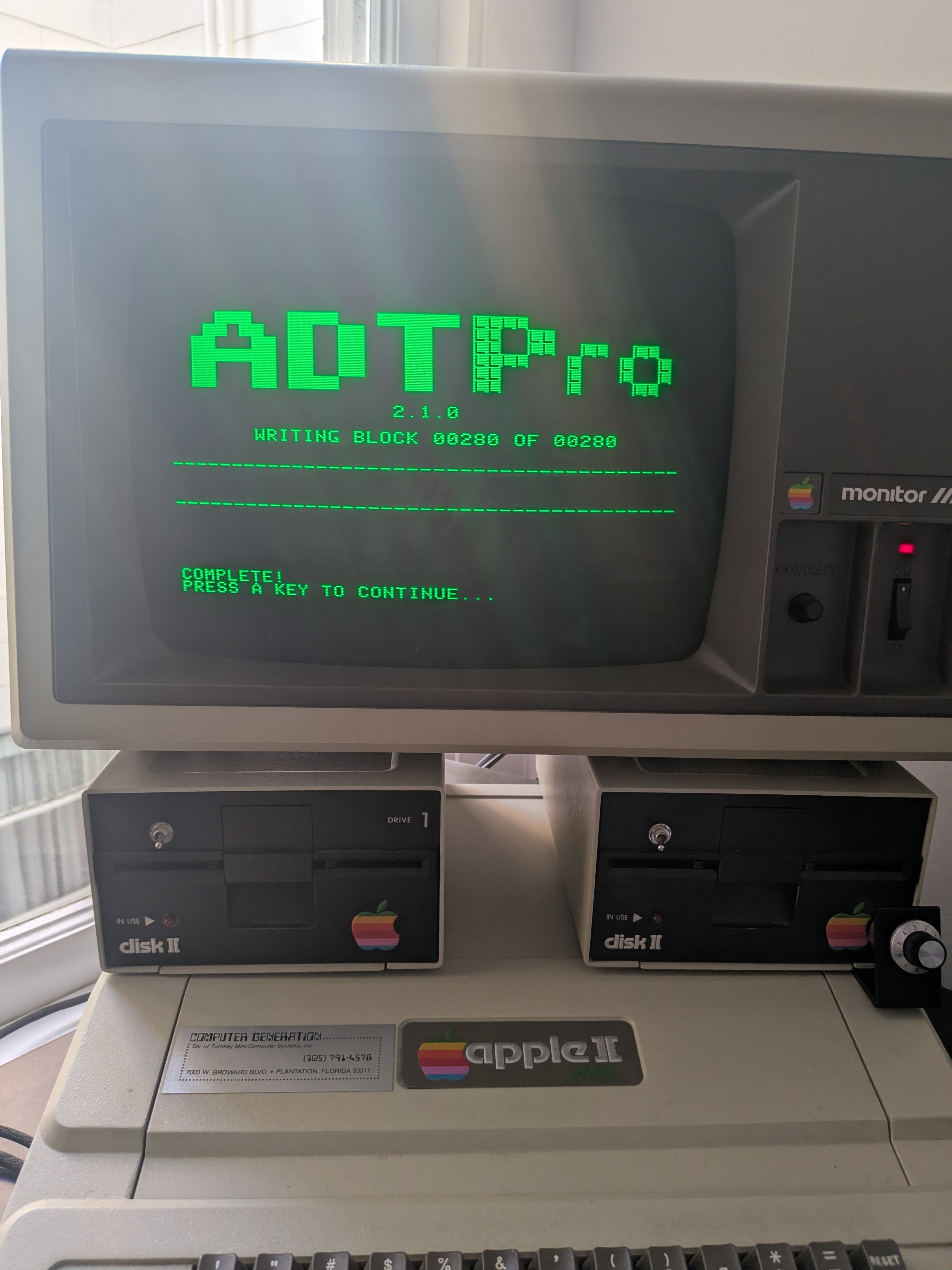
Even then, things were difficult. The key was not just setting the global audio devices but making sure the ADTPro Java process itself was using the right output and input in the Windows sound mixer. Once that was configured, I could finally receive a full ADTPro floppy image from the PC and write it to a real 5¼” floppy. Even while transferring four blocks at a time (each block is 500b), it took 5min to transfer an entire 140Kb floppy image. Anyway, at this point I had a bootable ADTPro floppy which meant I no longer had to bootstrap the client over audio every time. That felt like a win.
The next step was getting my own BASIC code onto a floppy image to transfer to the Apple. This turned out to be yet another rabbit hole. I initially tried using AppleWin’s blank disk image, pasting in my program with Shift-Insert, saving it and transferring the image to the real Apple. The result looked empty and would not boot.
The issue was that a blank .dsk file is not automatically a DOS 3.3 disk. It is just a virtual blank floppy. If DOS is not loaded, SAVE is not saving to a disk file in the way I expected. The fix was to either start from a real bootable DOS 3.3 disk image or virtually boot DOS 3.3 and then initialize a blank image properly. Once I had a DOS 3.3 image, I could paste my BASIC program into AppleWin, save it onto the image, verify it with CATALOG and then send that full 140K disk image to the Apple ][+ over the audio cables with ADTPro.
Visual Studio Code for the win
That workflow finally worked! Edit on the laptop, test in AppleWin, create a virtual floppy image, transfer that over the audio cables, write the image to a real floppy and finally run it on the Apple ][+. That might sound like a lot but it’s a million times better than typing code directly into the machine. You’ll have to trust me.
For the ‘editing’ piece, Visual Studio Code, with the Applesoft BASIC extension, is amazing. It has a built in functions to renumber the lines (although it’s not a full-featured as the old RENUMBER utility), auto-suggests edits, globally find and refactor variables, and syntax highlight. Also, you can write in lowercase as everything gets converted to uppercase when pasting into AppleWin.
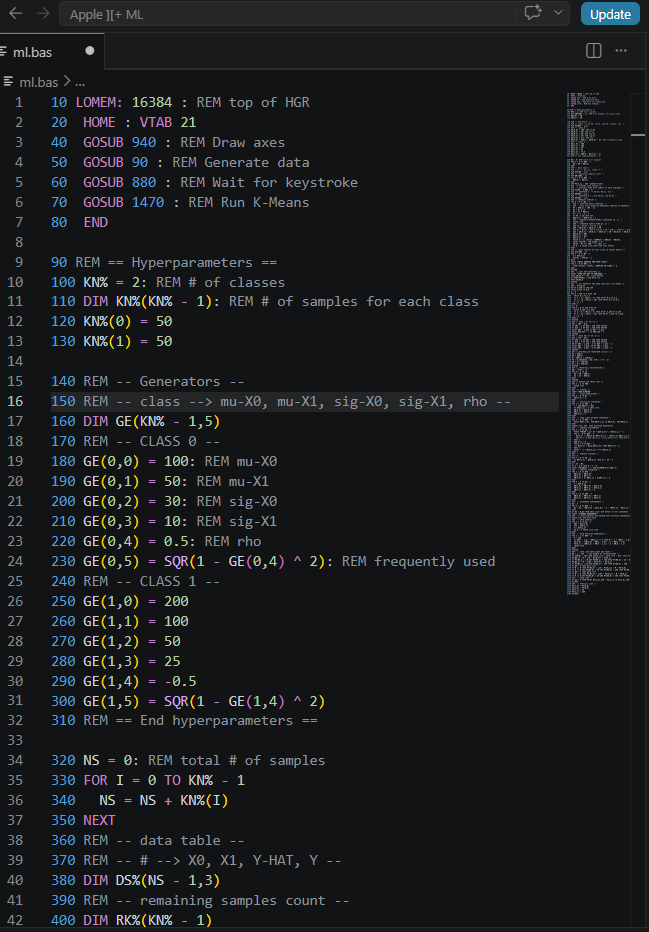
Not only is the code easier to read, write and edit, I can upload it to GitHub for all the world to ignore.
The one thing I never got working reliably was the reverse direction: copying a floppy from the Apple ][+ back to the laptop. The server (on the laptop) would receive a few blocks, sometimes with valid CRCs, then the transfer would stall and the Apple would drop into the system monitor. The ADTPro trace suggested that the laptop was receiving some packets correctly but then losing synchronization mid-transfer. I never fully determined whether that was an audio-level problem, a timing problem, a quirk of the USB audio input or something else entirely. Frankly, given the limited use case, and amount of effort I put into getting it to work in the other direction, I decided that this is a limitation with which I can live.
Leave a Comment